
Less waiting.
More eating.
No waving down waiters. No waiting for the bill. Just scan, order, pay, and enjoy.
From the first scan to the final plate, TableTap keeps orders moving, payments simple, and your team in sync — so your restaurant can focus on great food and even happier guests.
Get your restaurant ready.
Set up your account, add your menu, create your tables, and you're ready to take orders.
Sign up your Restaurant
Set up your restaurant profile, upload your branding, and connect instant payouts in just a few clicks.
Register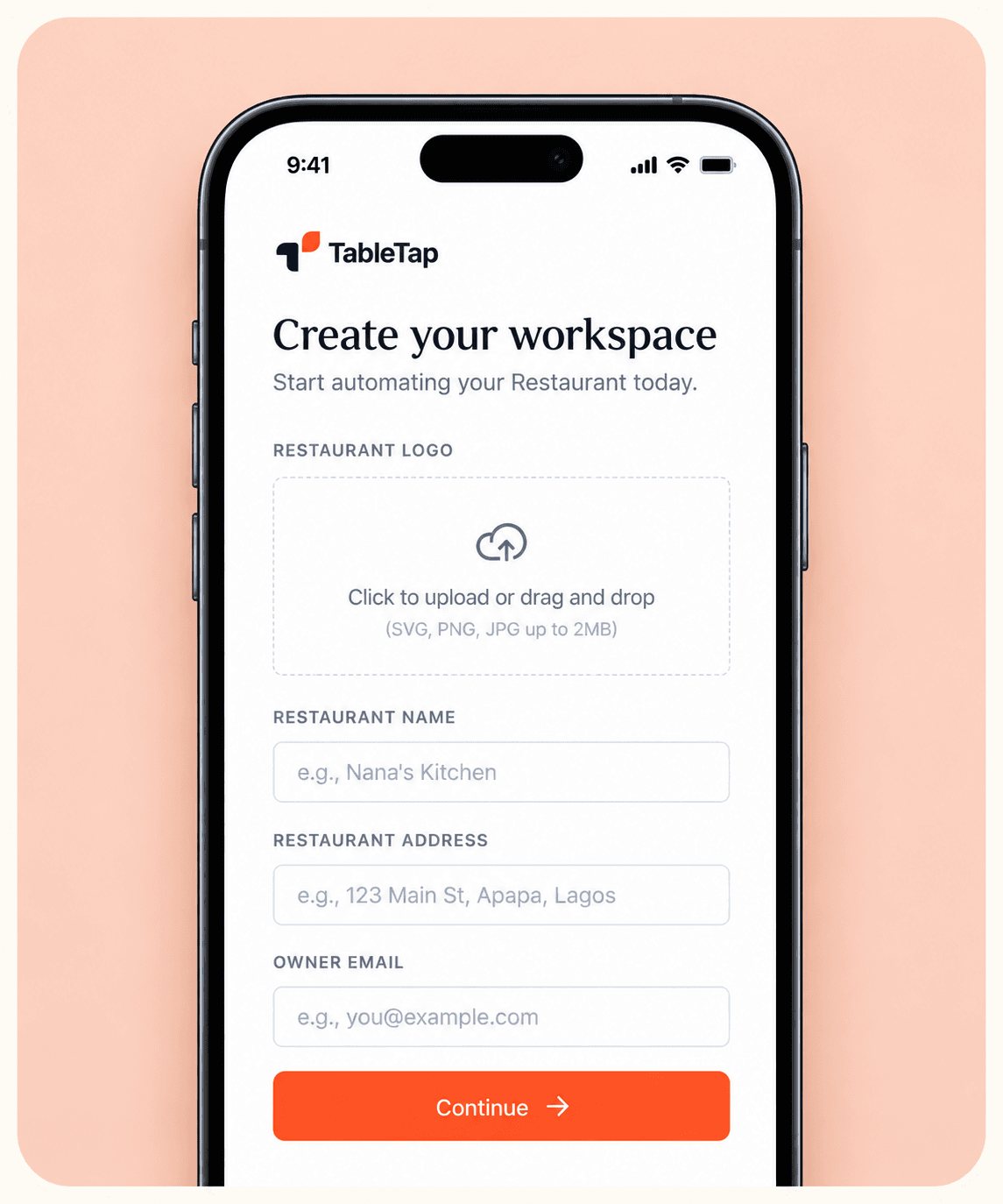
Add your menu
Add your dishes, prices, photos, and categories. Toggle item availability in real-time as orders roll in.
Build Your Menu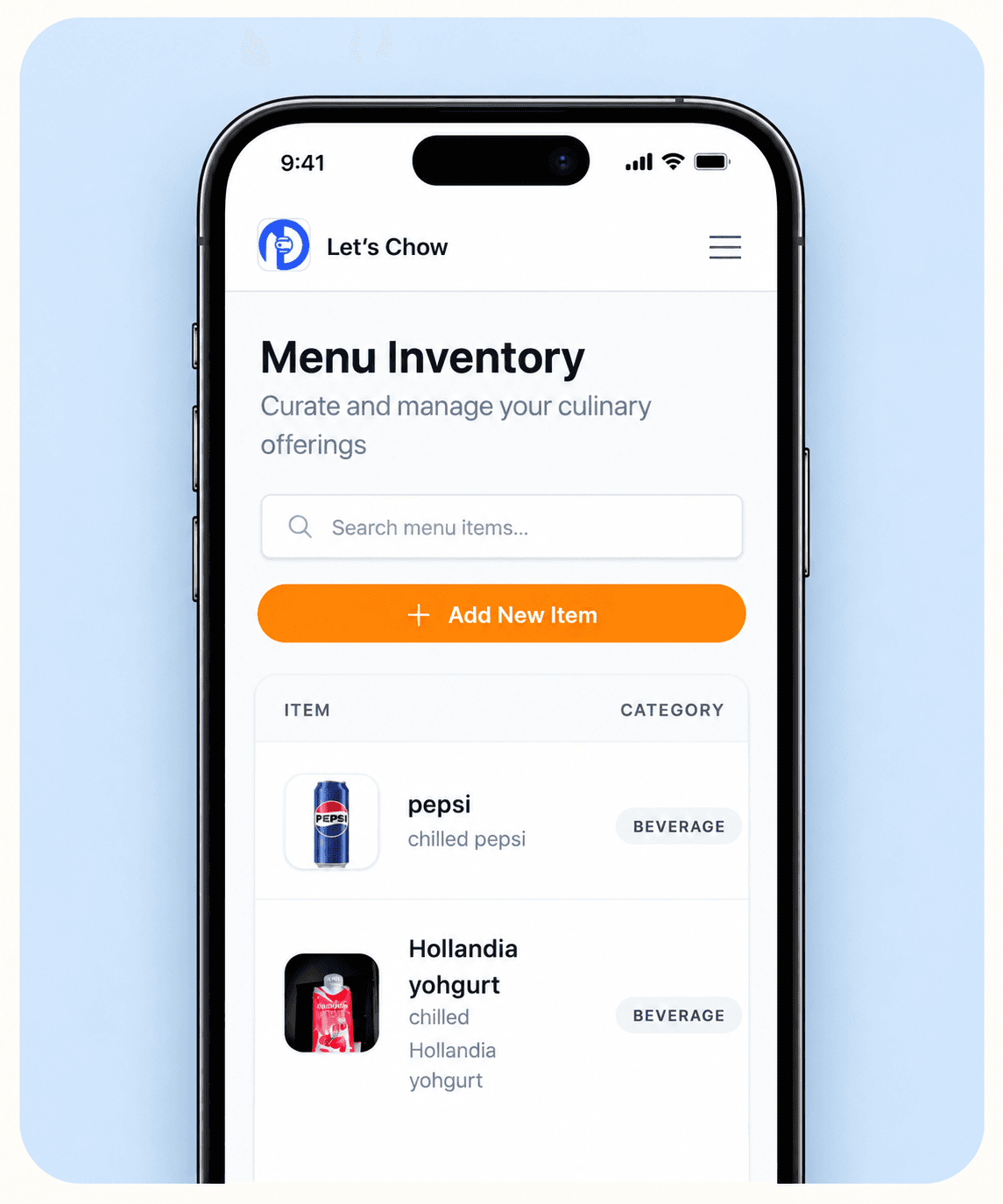
Set up your tables
Create custom dining tables and generate high-resolution, printable QR codes ready for instant guest ordering.
Generate QR Codes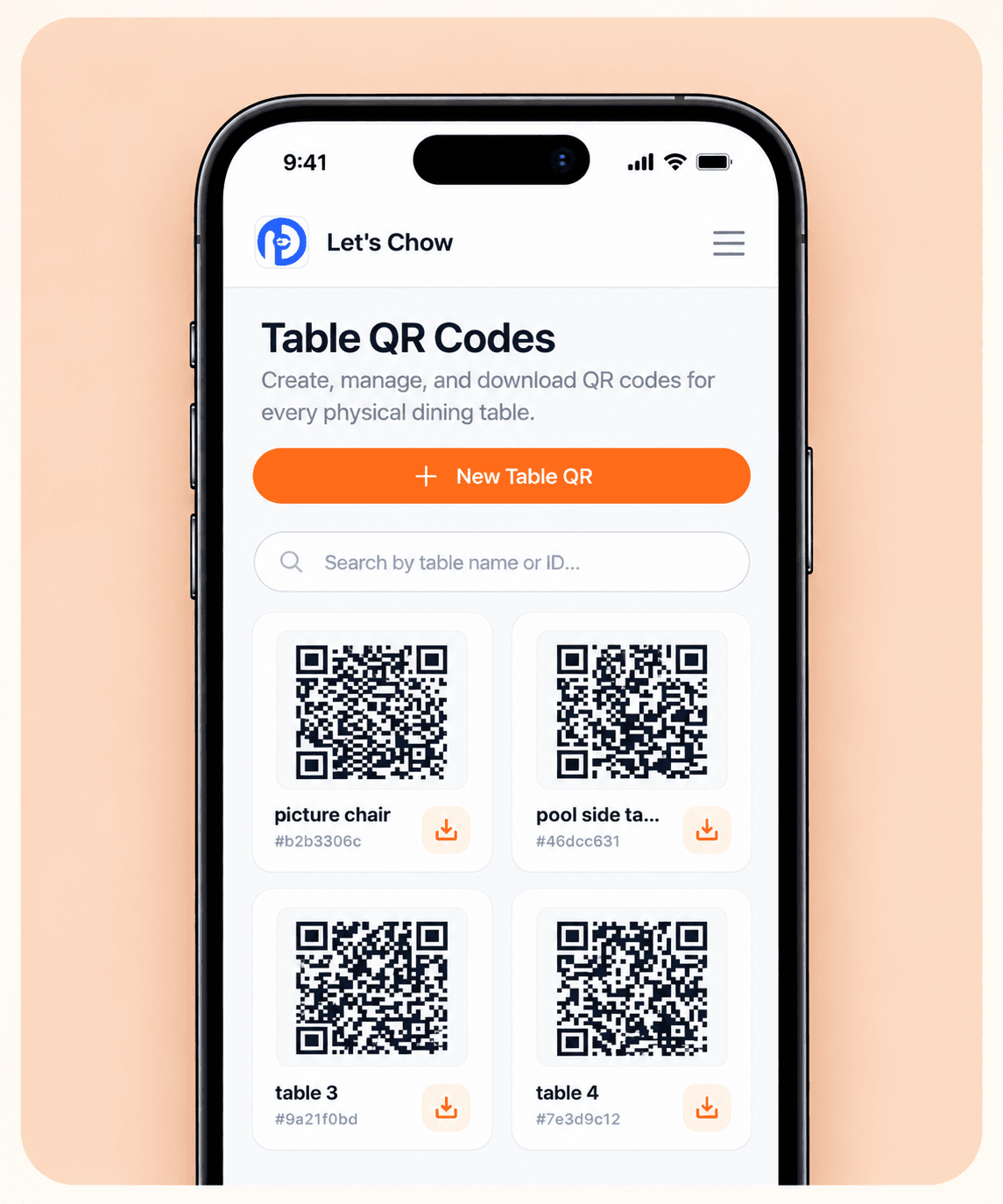
Go live & take orders
Place your table QR codes and start serving guests. Diners scan, order, and pay upfront while tickets route straight to your kitchen.
Start Taking Orders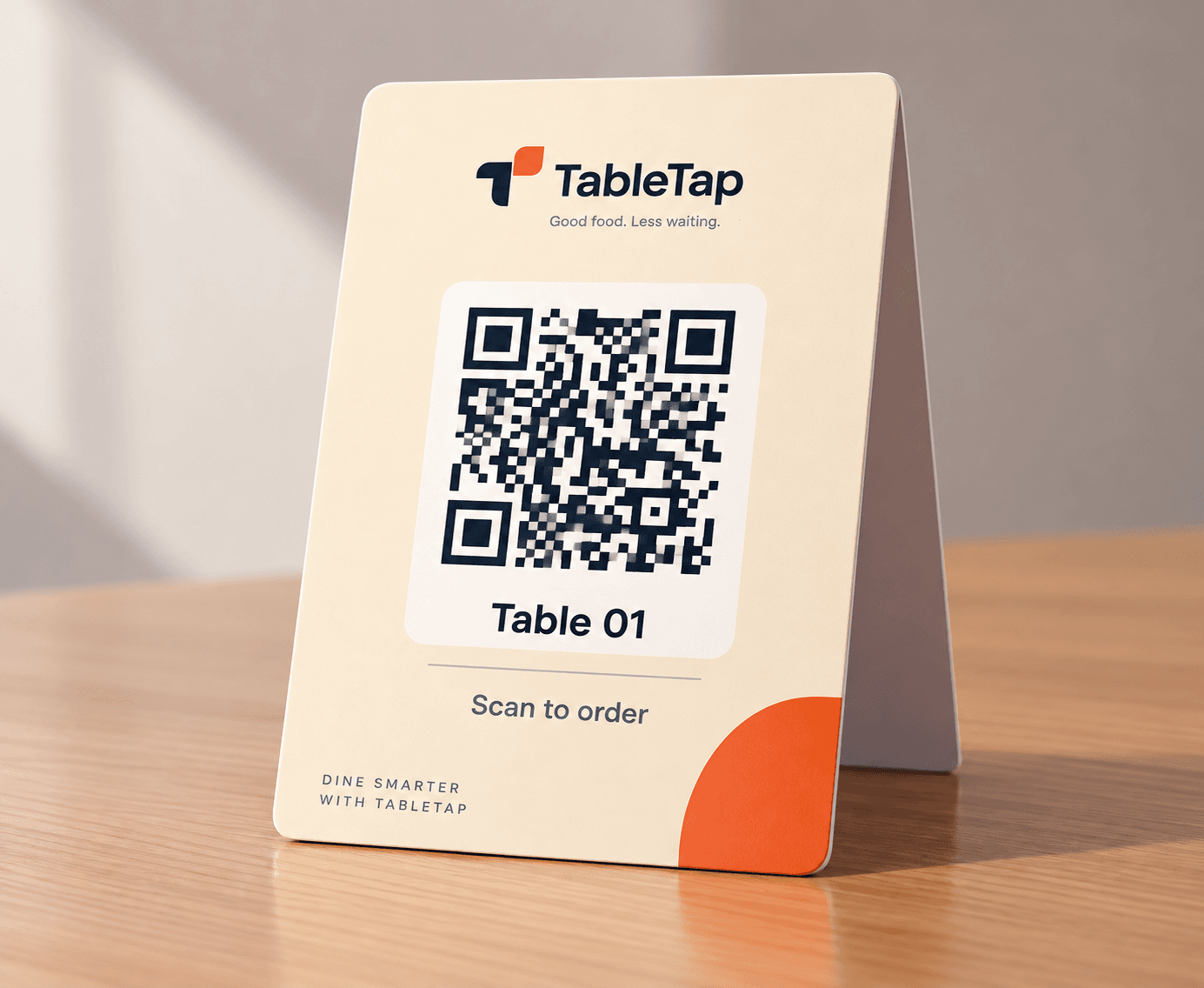
And for your guests? It's even simpler.
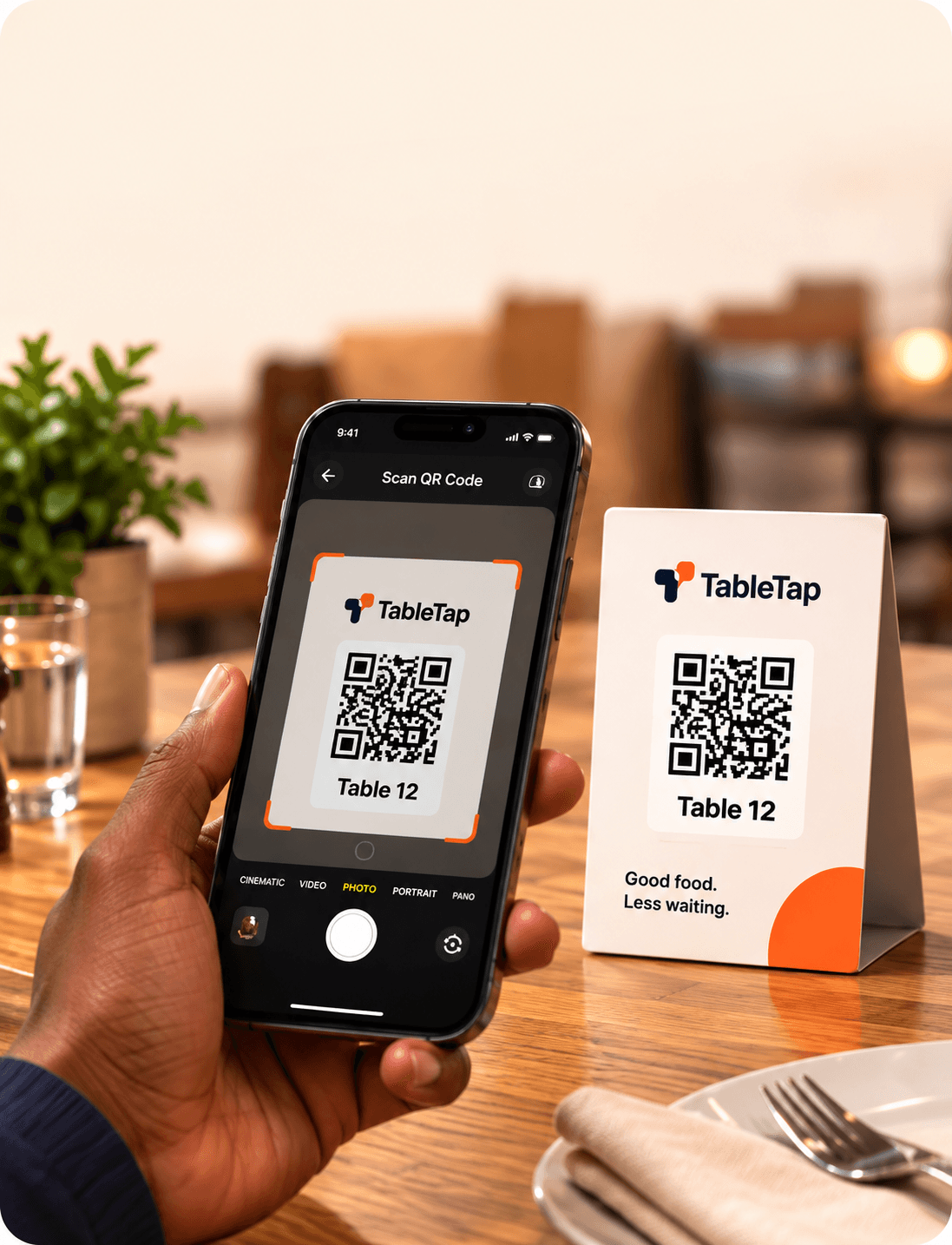
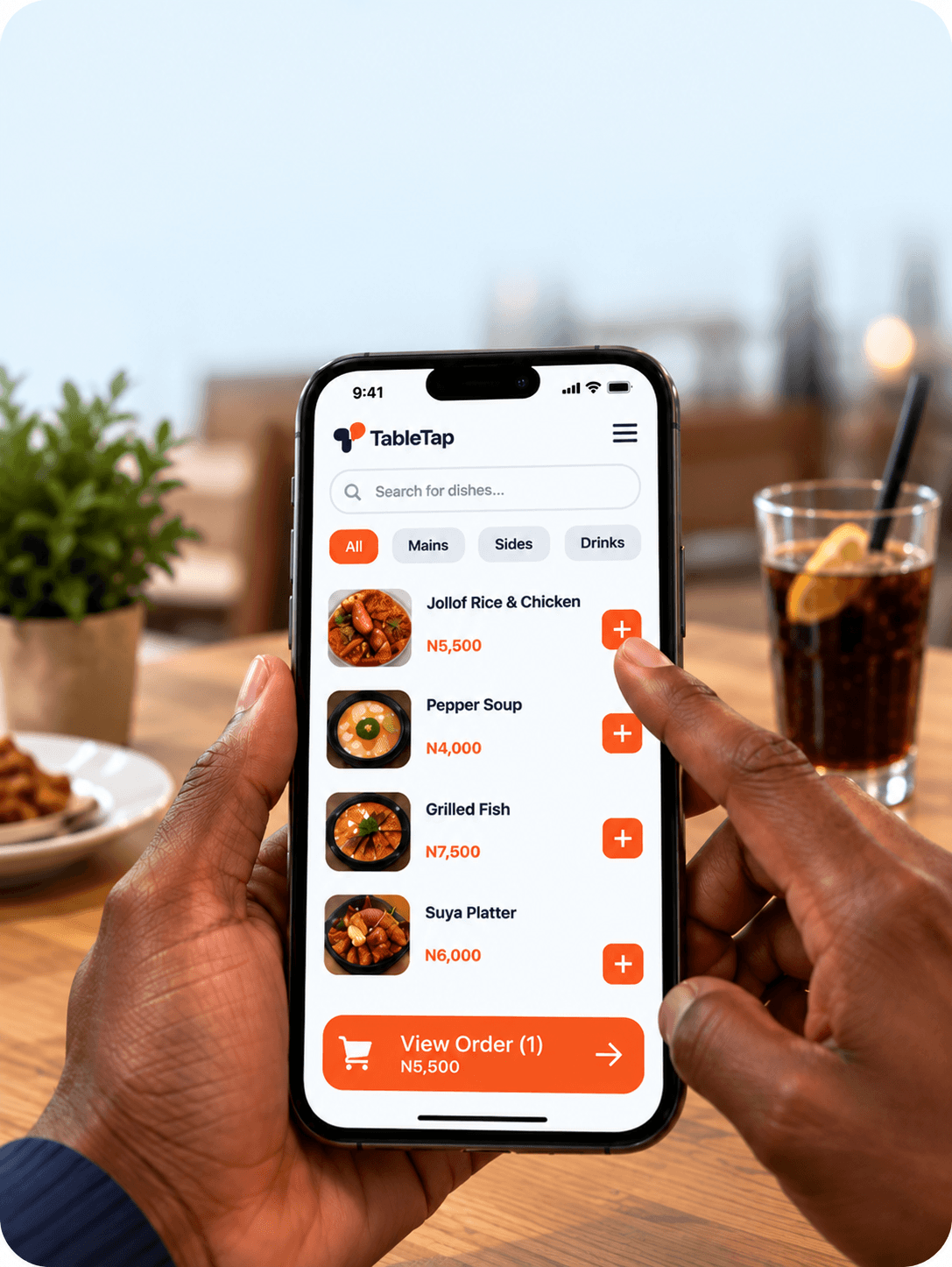
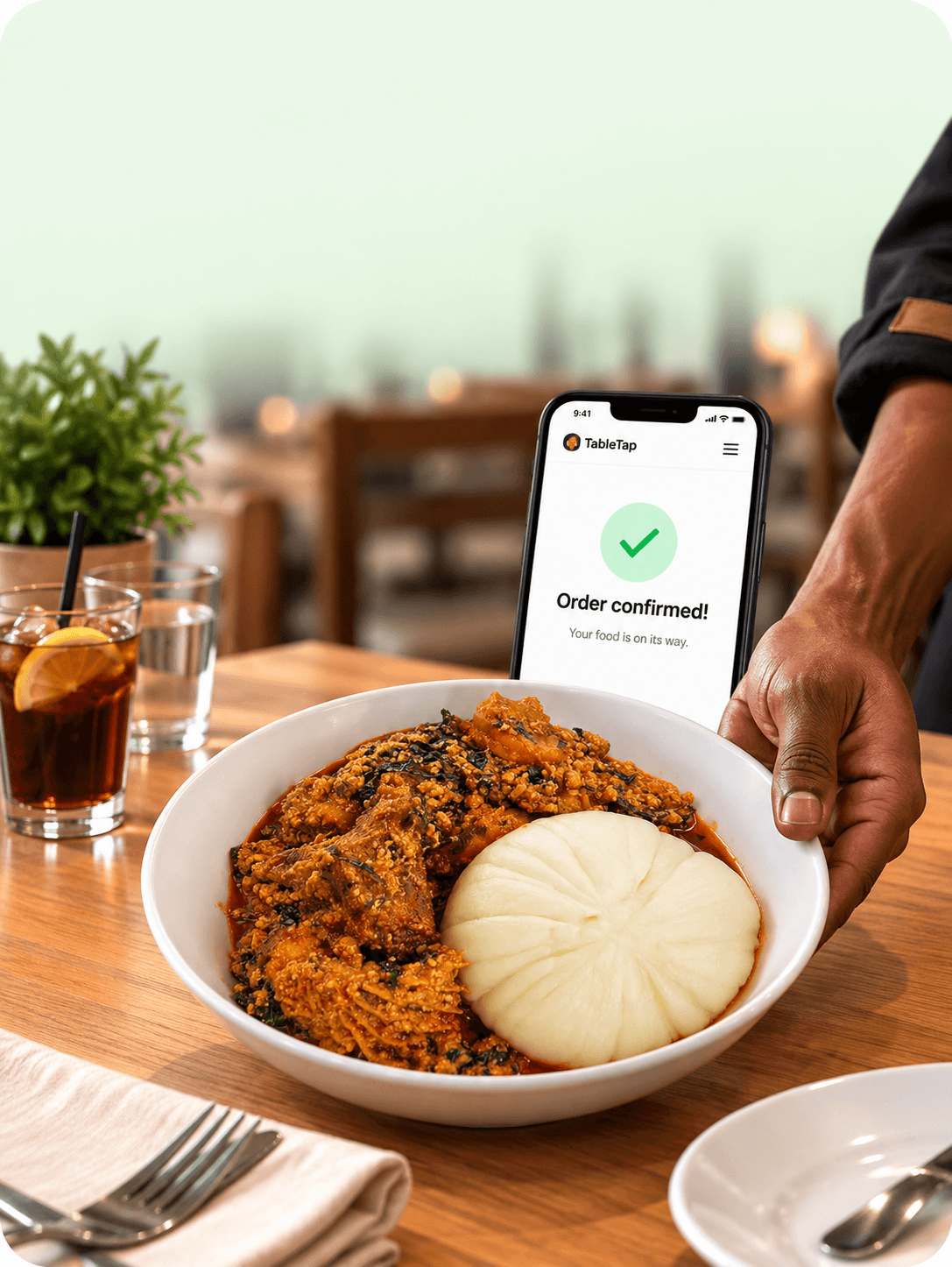
Scan the table, Order what you want. Enjoy your meal.
Scan.
Scan the TableTap
QR code at your table.
Order.
Choose what you want
and pay securely.
Enjoy.
Sit back.
Your order is on it's way.
Service without the friction.
From the first order to the final sale, TableTap gives your team the tools to keep service running smoothly.
Digital Menu & Ordering
Let guests browse, customize, and place their orders directly from their phones.
Upfront Payments
Guests pay when they order, keeping payments simple and orders moving.
Live Order Management
Every order arrives with the table number and details, keeping your team in control.
Kitchen & Bar Coordination
Send orders to the right place and keep kitchen and bar teams in sync.
Menu & Availability
Update dishes, prices and availability in real time, so your menu stays current.
Sales & Analytics
See what's happening across your restaurant, from sales to your best-selling dishes.
Frequently asked questions.
Everything you need to know about getting TableTap set up and running in your restaurant.
No. TableTap is completely web-based. Diners simply scan the QR code at their table using their phone's camera, and your digital menu opens instantly in their browser with zero downloads or registration required.
Guests pay upfront right from their phones using secure debit cards, bank transfers, or USSD via Paystack. Every successful transaction is verified immediately, and payouts settle directly into your registered restaurant bank account.
The moment an order is placed and paid, it instantly pops up on your Kitchen Display System (/kitchen) with an audible chime. Tickets display the table number, ordered items, and custom chef notes, tracking preparation time automatically.
Yes, in real time. From your admin dashboard, you can toggle any item or category available or unavailable with one tap. Changes reflect on every dining table's digital menu immediately, preventing customer disappointment.
None. You don't need expensive proprietary POS terminals or specialized hardware. Your kitchen and bar staff can use any tablet (iPad or Android), phone, or computer with a web browser. All you need are your printed table QR codes.
Yes! You can label tables whatever you like — such as 'Patio 4', 'Bar 2', or 'Table 14' — and export crisp, printable QR cards with your restaurant's logo in one click directly from your admin panel.